
Google Business Profile Products Optimization Guide 2026: Showcase Products Effectively
Learn how to optimize the Products section in your Google Business Profile in 2026. Discover best practices to showcase products.
Read article
Photos are one of the most powerful elements of a Google Business Profile because they help customers understand your business before they decide to visit, call, or make a purchase.
When people search for a business on Google Search or Google Maps, images often influence their first impression. A profile with fresh, high-quality, and relevant photos can create more trust compared to a profile with outdated or limited visuals.
In 2026, businesses need to treat Google Business Profile photos as part of their Local SEO strategy, not just as decoration.
This guide explains how to optimize your business photos, what types of images to upload, common mistakes to avoid, and how visuals can improve customer engagement.
Understanding the Importance of Google Business Profile Photos
Google Business Profile photos help customers understand:
Photos provide visual information that customers cannot get from text alone.
For many customers, images influence their decision before they even visit your website or contact your business.
Why Photos Matter for Local Search Visibility
Photos support your overall Google Business Profile performance by improving customer engagement.
Strong visual content can help:
A complete and active profile sends stronger quality signals compared to an inactive profile with outdated information.
Different Types of Photos You Should Add to Your Profile
A successful photo strategy includes different types of visuals that represent your business accurately.
Exterior photos help customers identify your location easily.
Include:
These are especially useful for businesses with physical locations.
Interior Photos
Interior photos help customers understand your environment.
Examples:
These images build familiarity before customers visit.
Product and Service Photos
Show customers what you offer.
Examples:
Clear product and service photos can influence buying decisions.
Team and Staff Photos
People connect with people.
Team photos can help:
Customer Experience Photos
Show real experiences whenever possible.
Examples:
Authentic visuals create stronger connections.
Best Practices for Uploading Google Business Profile Photos
To get better results from your photos:
Consistency matters more than uploading a large number of photos at once.
How Often Should You Add New Photos?
Regular updates are better than occasional uploads.
A good approach is:
Fresh content shows that your business is active and maintained.
Common Google Business Profile Photo Mistakes
Many businesses lose opportunities because of poor photo practices.
Avoid:
Your photos should represent your real business experience.
How Photos Influence Customer Decisions
Before contacting a business, customers often look at:
Strong visuals reduce uncertainty and help customers feel more confident choosing your business.
Measuring the Impact of Your Photos
Track how your visual updates affect customer behaviour.
Monitor:
Comparing performance before and after photo updates helps you understand what works best.
Conclusion
Google Business Profile photos are more than simple images—they are a way to build trust, communicate your brand, and influence customer decisions.
Businesses that regularly upload authentic, high-quality visuals create a stronger presence on Google Search and Google Maps.
By combining photo optimization with a complete Local SEO strategy, you can improve customer confidence and create more opportunities for local growth.

Founder of Local SEO Guy. I’ve helped 200+ businesses rank on Google Maps, generate consistent enquiries and grow through practical, results-focused marketing.
 Google Business Profile
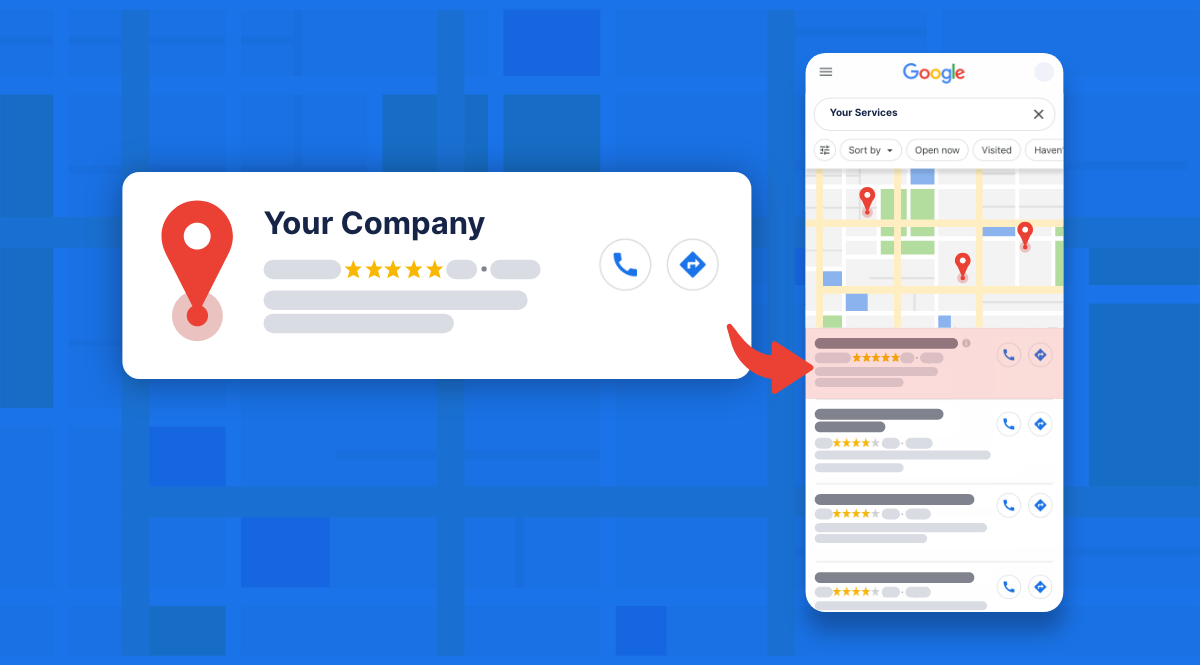
Learn how to optimize the Products section in your Google Business Profile in 2026. Discover best practices to showcase products.
Read article Local SEO
Discover how Local SEO Services improve Google visibility, attract nearby customers, and grow your business with proven local SEO strategies.
Read article Strategy
How hyperlocal SEO works in 2026 and discover strategies to rank higher in Google Maps, and nearby searches to attract local customers.
Read articleLet’s talk about your business, current challenges, and whether Local SEO can actually help you grow — before you invest anything.
No pressure. No generic pitches. Just clarity.